CS:GO and Gradient widgets. We are happy to introduce to you our new “Configuration” page.
From now you will be able to add a FEW widgets with different configs and use them on different screens or with different games. It was done for users who are trying to match the widget design with the whole layout and was forced to change the widget design every time. It is over. From now you can create as many widgets as you want!
Also, we will create templates with popular configurations and you will be able to copy/modify them.
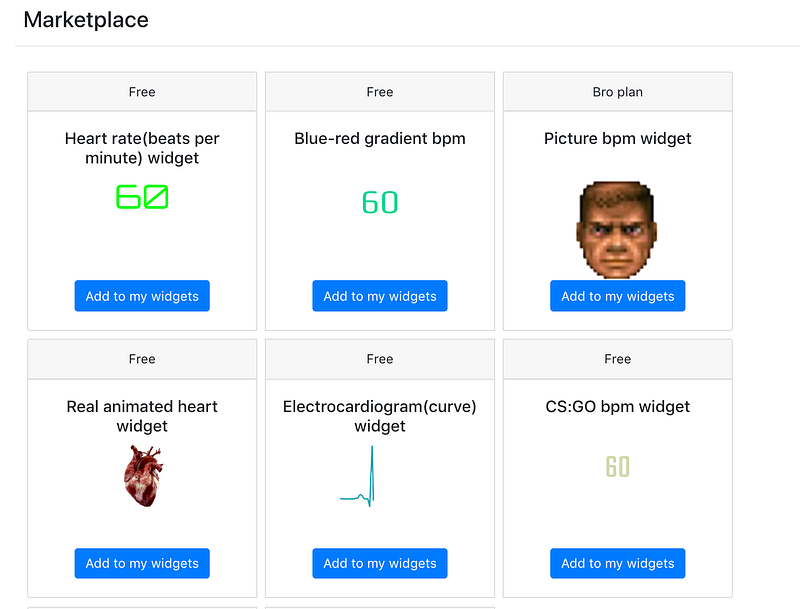
UPD: The name is generated automatically.
Outdated: You will be able to name your widget based on how you are going to use it.
An example of configurations for CS:GO:
The name of the template is ‘CS:GO bpm widget’. Click ‘Add to my widgets’ in Marketplace and after that, you can click ‘Configure’ in My widgets.
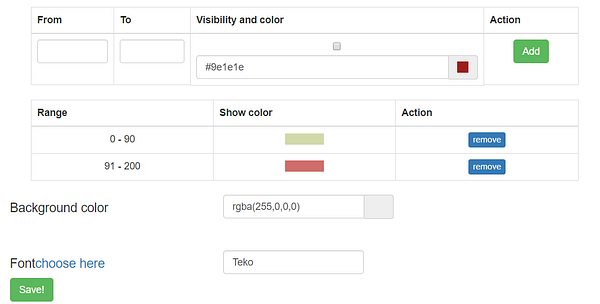
For our new CS:GO widget we choose color #d2d9ab and Teko font (found it on Google Fonts).
Numbers in CS:GO do not change the color, but we decided to use different colors for ranges.
Do not forget to save!
That was en example of how to create your own customizable widget. We saved our CS:GO widget and it is available for all users in a list of default widgets.

Check it out, add to your account, change it and use!
And…
One more surprise for CS:GO lovers — new Heart Icon that fits the style:

Check out the results:
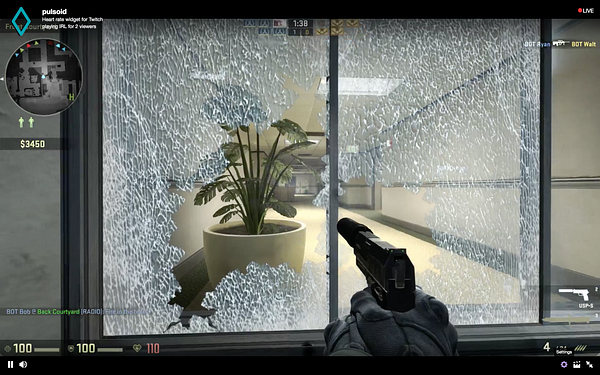
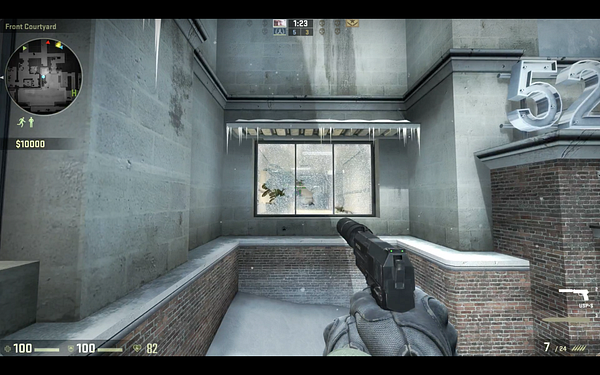
Gradient BPM widget.
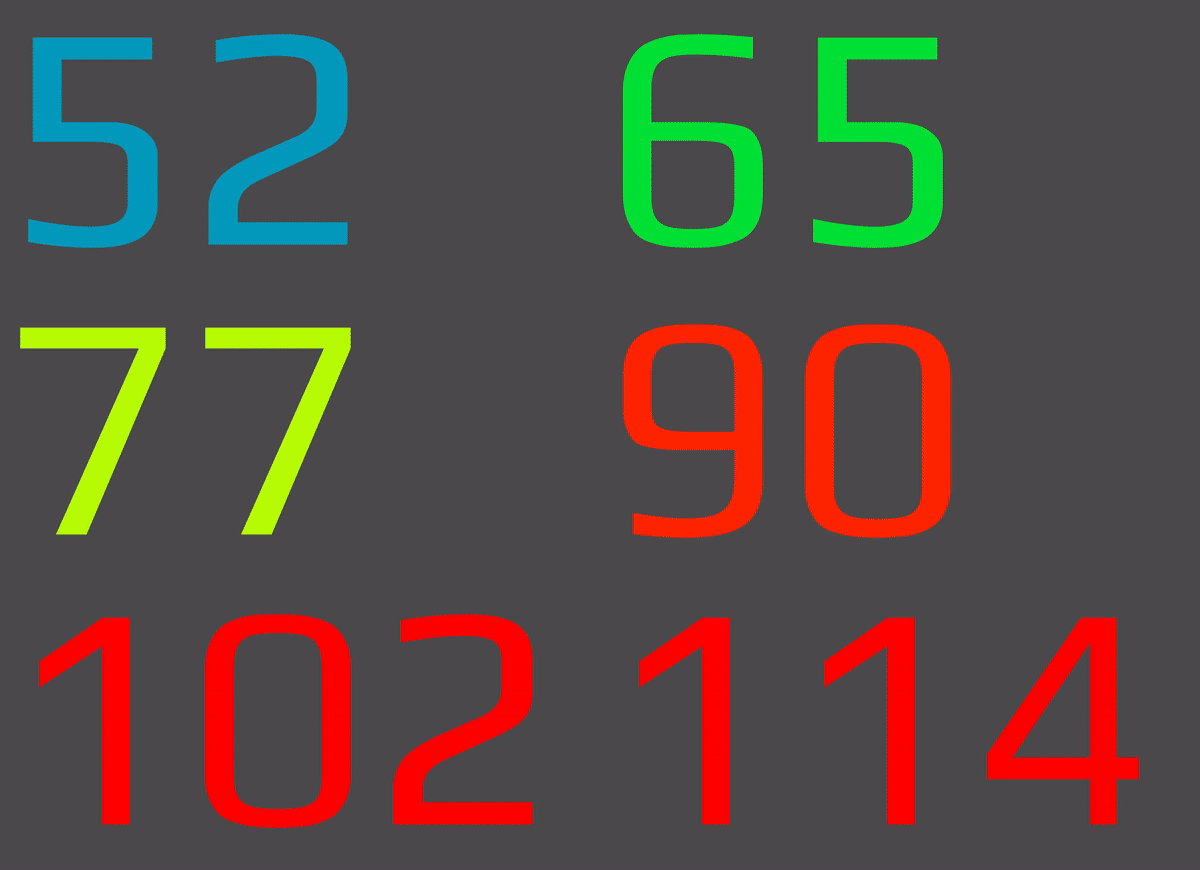
One more new default widget we added to the Marketplace is a ‘Blue-red gradient bpm’. Thanks for that awesome idea to BlazingBlackBeard
You are welcome to use it as well!
Looks nice?
Share your screens and settings in the comments.
Thanks for reading! Don’t forget to clap and share.
Feel free to contact us if you have any suggestions or questions:
•Website • Discord • Twitter • YouTube • Email: support@pulsoid.net •
 Pulsoid